
Transforming ideas into stunning 3D art, models & animations in minutes.
For years, creating 3D assets meant one thing: painful workflows.
Long hours sculpting in ZBrush. Complicated UV mapping in Blender. Endless rendering times. And of course — the expensive software licenses.
But everything changed when AI entered the 3D world.
Today, if you want a tool that is fast, intuitive, and insanely powerful, you simply can’t ignore Meshy AI — a next-generation platform that lets anyone (yes, even beginners) create professional 3D assets with just a prompt, an image, or even a sketch.
In this review, I’ll break down exactly why Meshy is exploding in popularity — and how it can completely redefine your creative workflow.
🎯 What Is Meshy AI?
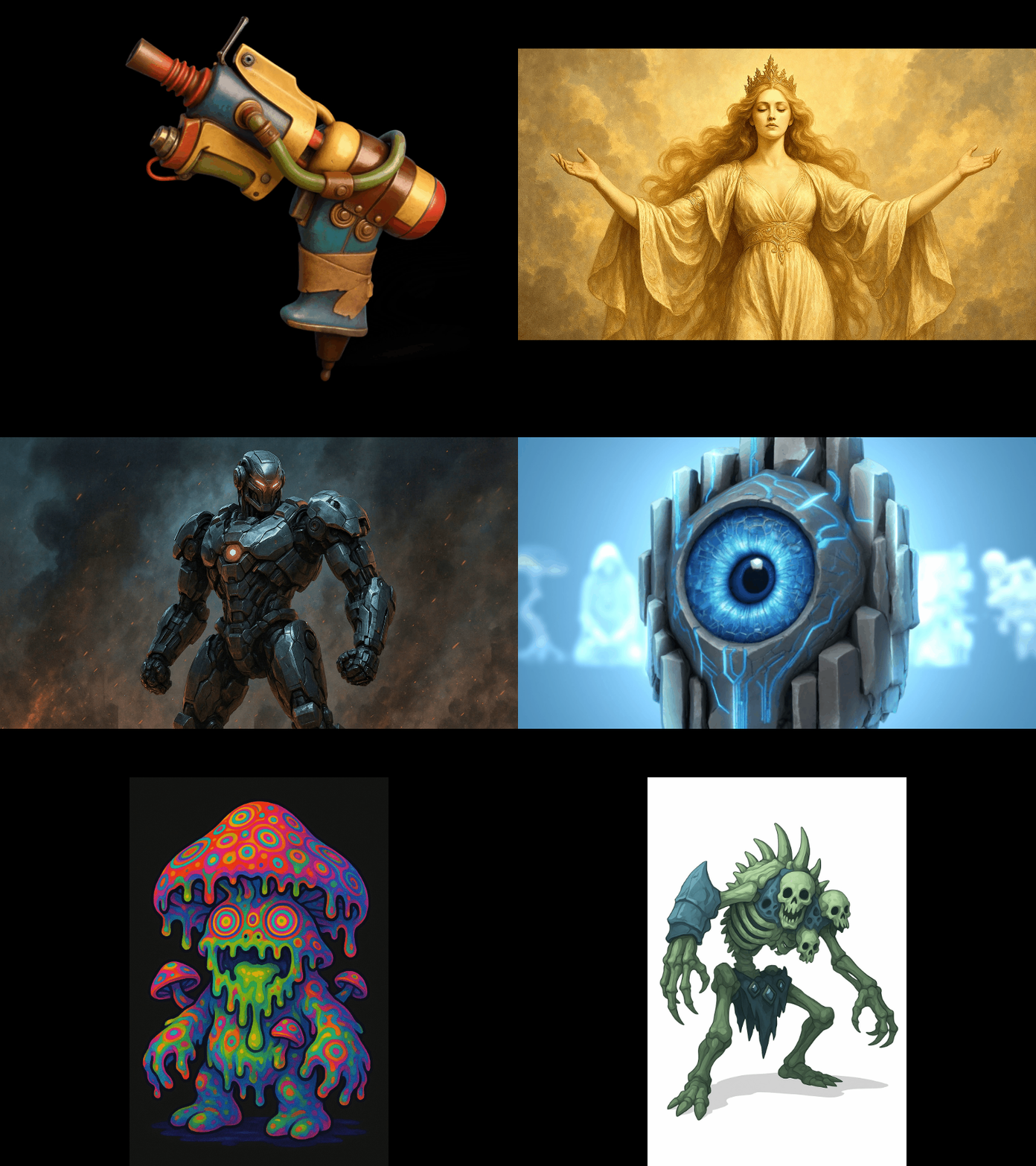
Meshy AI is a full-stack AI 3D creation suite designed for artists, game developers, product designers, advertisers, and anyone wanting to turn ideas into beautiful 3D content.
With Meshy, you can generate:
- 3D models
- 3D characters
- Game-ready assets
- Textures & UV maps
- Product renders
- 3D animations
- AR/VR content
- Marketing visuals
…all without needing traditional 3D skills.
Meshy compresses what used to take days into minutes.
⚡ Key Features That Make Meshy Unbeatable
🔥 1. Text-to-3D Generation – Create Anything From Your Imagination
Type what you want. Meshy builds it.
Clean geometry. Realistic shapes. Perfect proportions.
Example prompts that work insanely well:
- “A futuristic motorcycle with glowing neon highlights”
- “Cute chibi dragon with detailed scales”
- “High-end luxury perfume bottle, photo-realistic”
Meshy handles everything behind the scenes — modeling, UVs, textures, lighting. You get a download-ready 3D asset.
🔥 2. Image-to-3D – Turn Photos Into Real 3D Models
Have a sketch? Concept art? A product photo?
Upload it — Meshy rebuilds it into 3D.
This is perfect for:
- Game character design
- Product prototyping
- E-commerce
- Architecture & furniture
- Custom avatar creation
Even rough drawings work surprisingly well.
🔥 3. AI Auto-Texturing – Perfect UV Maps in Seconds
UV mapping is one of the most painful parts of 3D.
Meshy solves that with one click.
You get:
- Smooth UV unwrap
- Realistic textures
- PBR materials
- Game-engine compatibility
If you work in Unity or Unreal, this is a dream.
🔥 4. High-Quality Rendering Engine
Meshy offers stunning, studio-level rendering for:
- Product mockups
- 3D advertising
- Character displays
- Portfolio visuals
- Social media posts
You can export in various formats, including:
- GLB
- OBJ
- FBX
- USDZ
This means your model works everywhere — Blender, Cinema4D, Unreal Engine, Unity, AR apps, and more.
🔥 5. AI Animation – Zero Rigging Required
Meshy can animate your 3D models automatically.
No bones.
No manual keyframes.
Just choose an animation style and Meshy handles everything.
Perfect for:
- Game dev
- TikTok / Instagram 3D content
- Marketing ads
- Film pre-visualization
🔥 6. Insanely Fast Workflow – 10× Faster Than Traditional 3D Tools
What used to take:
- 10 hours → now 10 minutes
- A team of artists → now one creator
- Complex technical skill → now simple drag-and-drop
Meshy is built for the creator economy — fast, intuitive, automated.

🎨 Who Should Use Meshy AI?
Meshy is built for EVERYONE who wants quality 3D outputs:
✔ Game developers
Create characters, props, weapons, environments. Export directly to your game engine.
✔ Product designers
Studio-grade visuals without photography.
✔ 3D artists
Speed up your workflow and skip the boring technical parts.
✔ Marketers & advertisers
Create eye-catching 3D visuals and product animations.
✔ AR/VR creators
Generate assets ready for AR try-on, WebAR, or VR applications.
✔ E-commerce sellers
Show products in 360°, animated, or in AR mode.
✔ Content creators
Produce stunning 3D content for TikTok, Instagram, YouTube.
✔ Beginners
No experience? No problem. Meshy makes 3D accessible.
💡 Real Benefits After Testing Meshy
After testing Meshy for several days, here’s what stood out:
⭐ The quality is shockingly good
The models don’t just look nice — they come with clean topology and proper UVs.
⭐ The speed feels unfair
What took me 5–10 hours in Blender took Meshy less than 3 minutes.
⭐ It replaces multiple tools
Modeling, texturing, rendering, animation… everything is in one place.
⭐ It’s perfect for rapid prototyping
For designers and game teams, this is a huge competitive advantage.
⭐ Amazing value for money
Hiring a 3D artist costs $200–$2,000 per asset.
Meshy lets you create unlimited assets with a monthly subscription.
🚀 Final Verdict – Is Meshy Worth It?
Absolutely.
Meshy is one of the best AI 3D tools in the industry right now.
If you’re a creator who values speed, quality, and convenience, Meshy is a must-have weapon in your toolkit.
It helps you:
- Work faster
- Reduce costs
- Increase creativity
- Produce professional 3D at scale
- Impress clients & audiences
Meshy isn’t just a tool — it’s a game changer.
🔥 Ready to Try Meshy? Unlock the Full Power of AI 3D Creation
Don’t wait. Experience the future today:
👉 Start creating with Meshy here:
⭐ www.meshy.ai?via=Dat
Whether you want to build a 3D character, animate a concept, or create product visuals, Meshy will blow your mind the moment you generate your first model.